

Be yourself; Everyone else is already taken.
— Oscar Wilde.
This is the first post on my new blog. I’m just getting this new blog going, so stay tuned for more. Subscribe below to get notified when I post new updates.
Be yourself; Everyone else is already taken.
— Oscar Wilde.
This is the first post on my new blog. I’m just getting this new blog going, so stay tuned for more. Subscribe below to get notified when I post new updates.

In this project we made a south park character just like the gang of ninjas we use the same tools like the ellipse tool and pencil tool than i traced the Nike symbol so it looks like the jacket i wear because we had to make the south park character look like us.
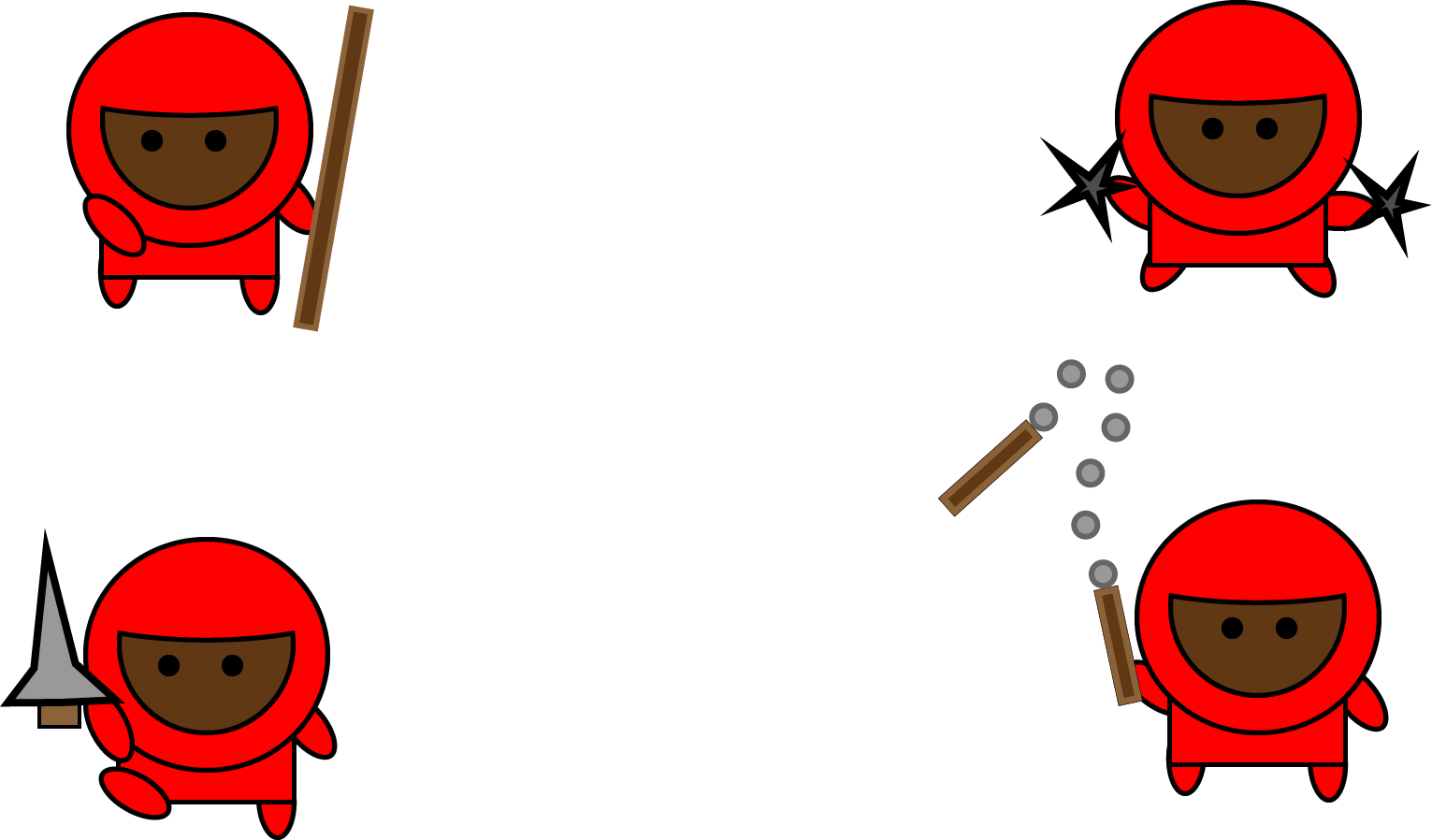
This project we did ninjas ready for combat we used a lot of tools like the ellipse tool then we also had to add the stroke to it to make it a little more real we also had to use rectangle,circle,and oval to make the ninja but for the weapon we use a star,triangle,rectangle,and circle.
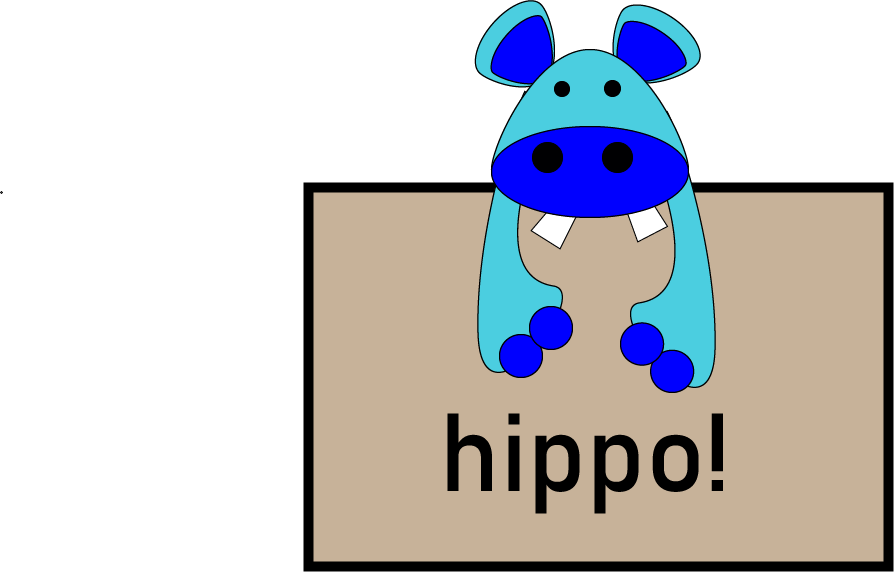
In this project we learned how to use the ellipse tool and make different shapes, i also learned how to put shapes that i made behind the main part of the project, and added the text twice and changed the back one to black.
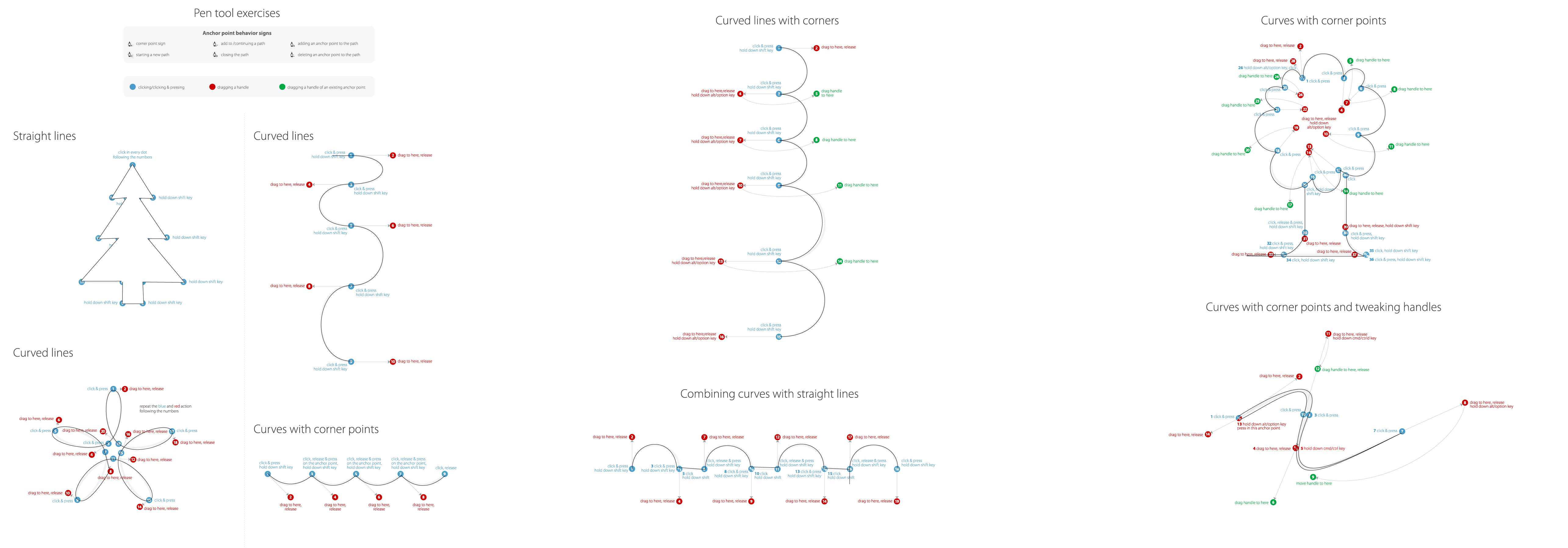
In this assignment I learned how to use the pen tool in many different ways including dragging, making curves, tweaking handles, and how how to use the alt key and Ctrl key correctly. Dragging allows you to move your line in any direction you want to, it also make a curve steeper or more shallow making curves allows you to add more shape to the thing you are trying to make the Alt and Ctrl key just allow you to move your handles/corners and move your lines in different ways.
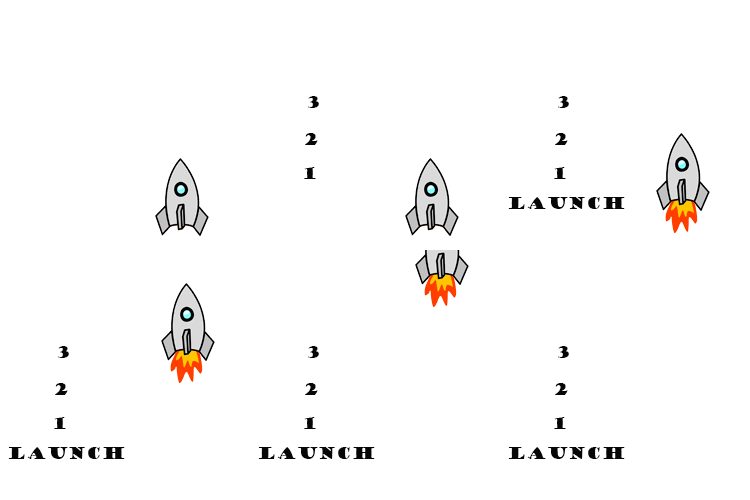

It is a unfinished project but in this we learn how to make your Photoshop look 3D and example a way we had to do this to get the shadow was you would have to keep using Alt+delete.
Before

Before

After

In this assignment we learned to use this new tool which is the stamp tool where you can take color from any place then other ways this can help you is by erasing part of the image.


 In this project we learned how to equip,wrap,and move tattoos into a picture.The ways to do this is when you open it you have to unlock the picture by double tapping ,then drag it to the picture.After that step you have to wrap the image to make it look more real you go to edit then transform then click wrap or a short cut where you can just press Ctrl+T.
 ebrima john